The iPhone trip planner
Plan the tripKeep the memoriesNo sign-up
Easy Trip Planner holds your dates, budget, bookings and to-dos, then keeps your photos and stories with the trip they came from. All for $4.99, once.

- No account
- No ads
- No subscription
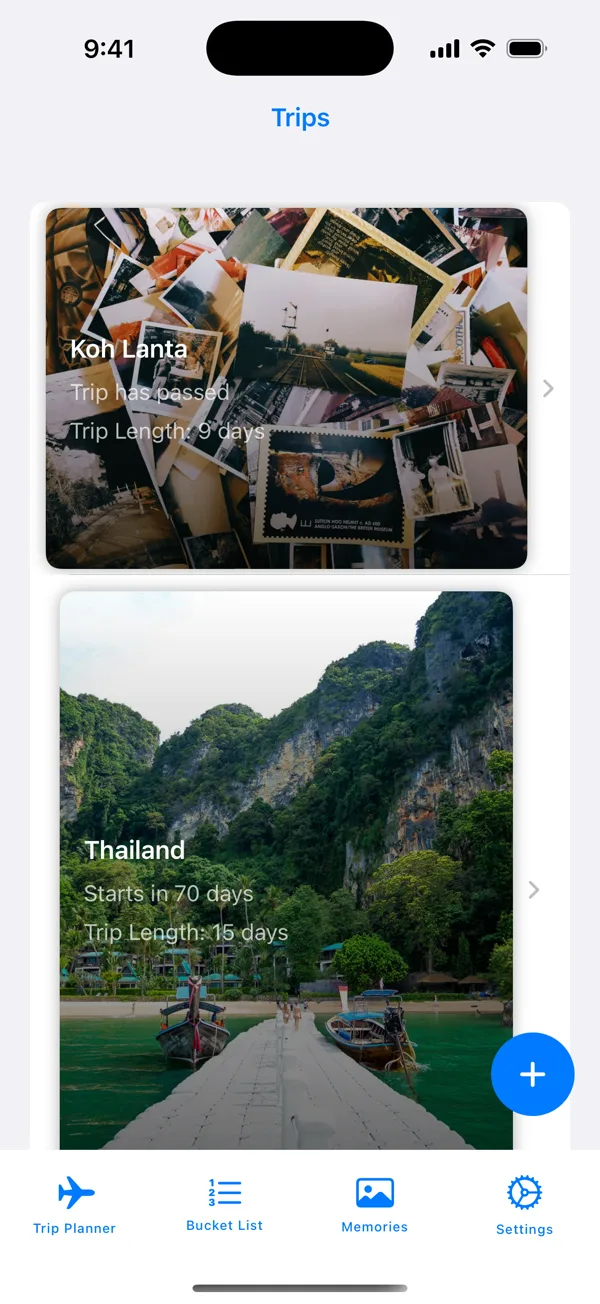
Thailand
Starts in 70 days
Spent so far
$3,065 of $4,500
The catch?There isn't one
0
Accounts
Open it and start planning. Nothing to sign up for.
0
Ads or trackers
No ads in the app and no tracking code.
$0
A month
No subscription and nothing to buy inside the app.
$4.99
Once
That's the whole price.
Stays on your phone
Your trips are saved on your iPhone, with no outside database.
Works offline
Your plans open with no signal. Only searching Unsplash for photos needs a connection.
How it works
Three stops, start to finish
- 1
Make the trip
Pick the place, the dates and the budget. That first step takes no email and no password.
- 2
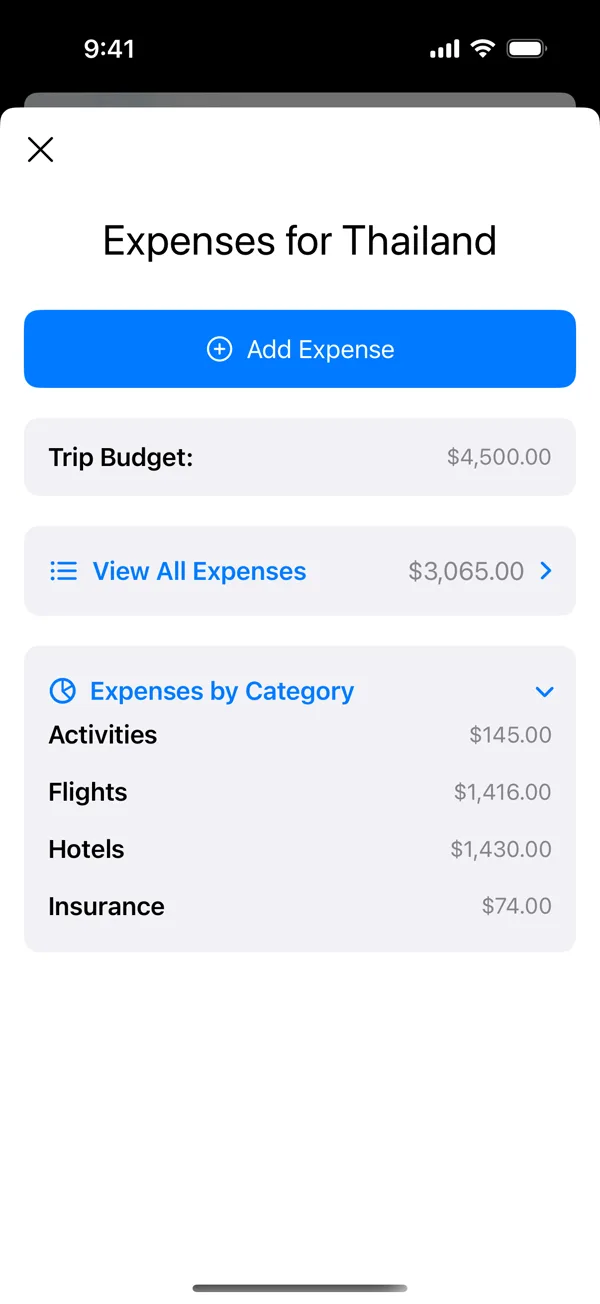
Fill it in as you book
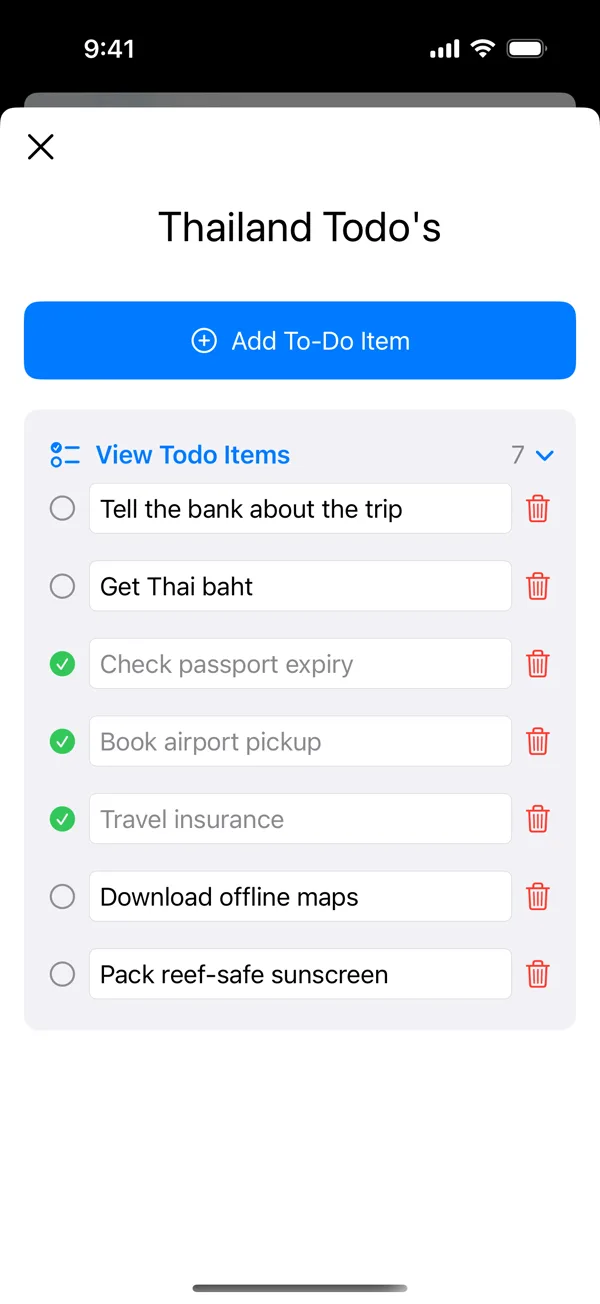
Add flights, hotels, spending and to-dos under that trip as they come up.
- 3
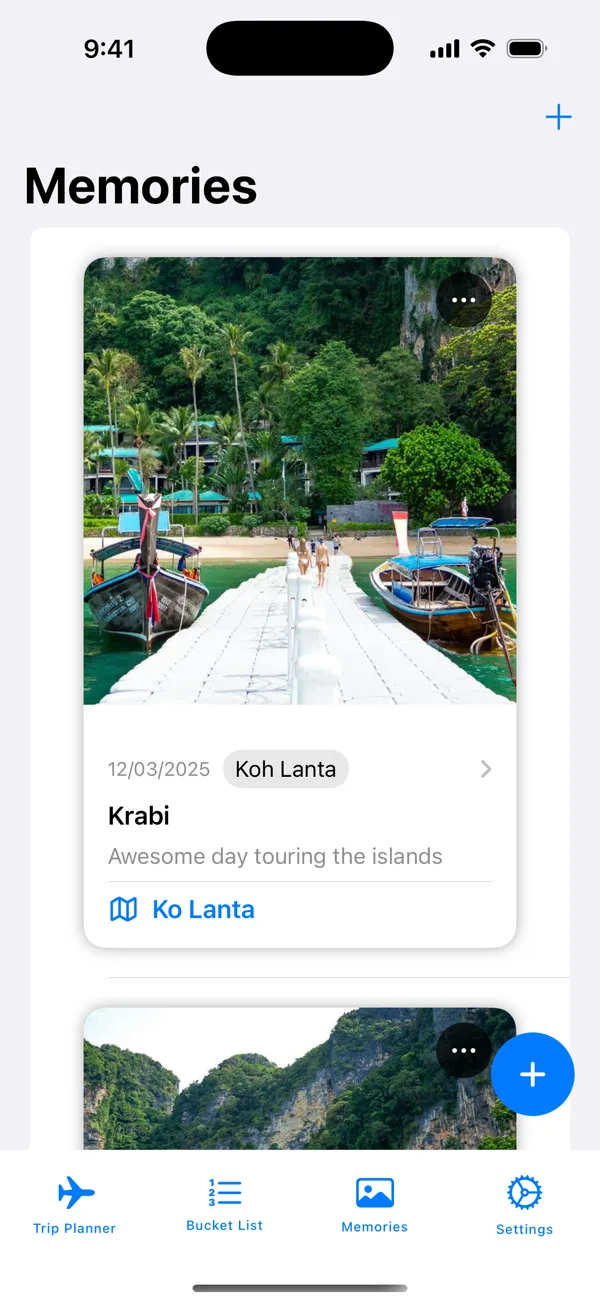
Keep it when you get home
Save the photos, the date, the place and a few words about the day.
Plan each trip
Everything for the trip, in one place
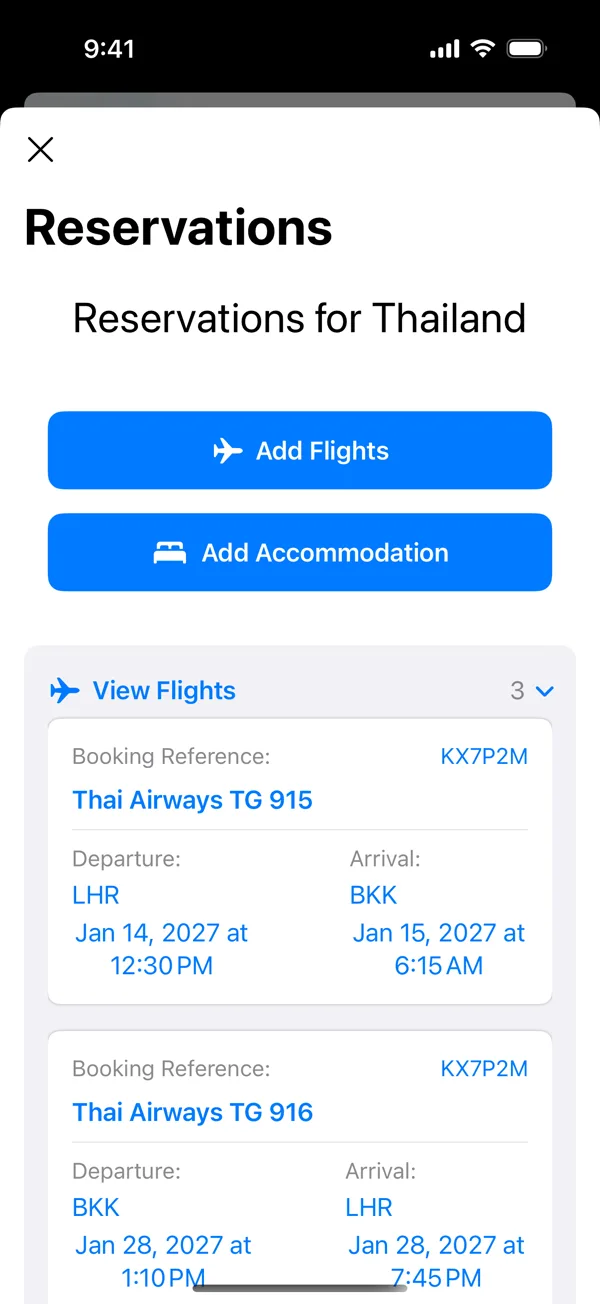
Make a trip, then fill it in as you book. Tap around.
Start with where and when
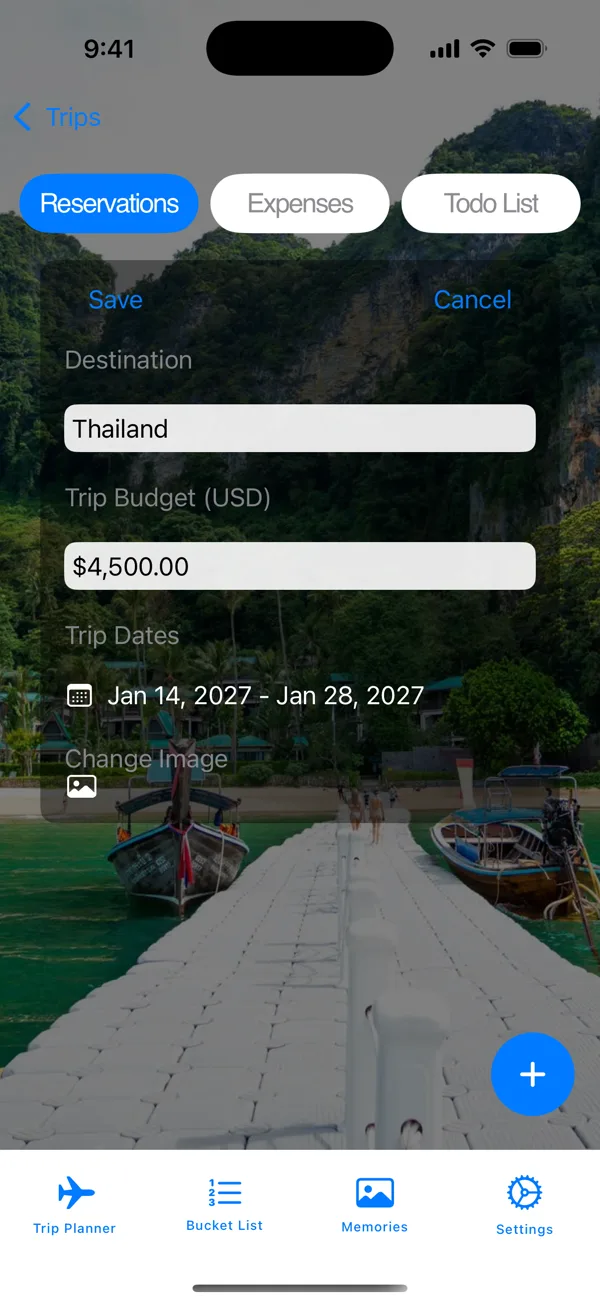
- Set the destination, dates and budget
- Give the trip its own background photo
- See how many days until you leave and how long you are away
Watch
See it in 30 seconds
The whole trip, from picking the place to keeping the photos. It plays silent, so you can watch it anywhere.

Keep the memories
Keep the trip after you get home
Your photos and stories stay with the trip they came from.
- Save a memory with a title, date, place, description and photos
- Link each memory to its trip
- Send a memory to family and friends by email or message
Build your bucket list
Already thinking about the next one?
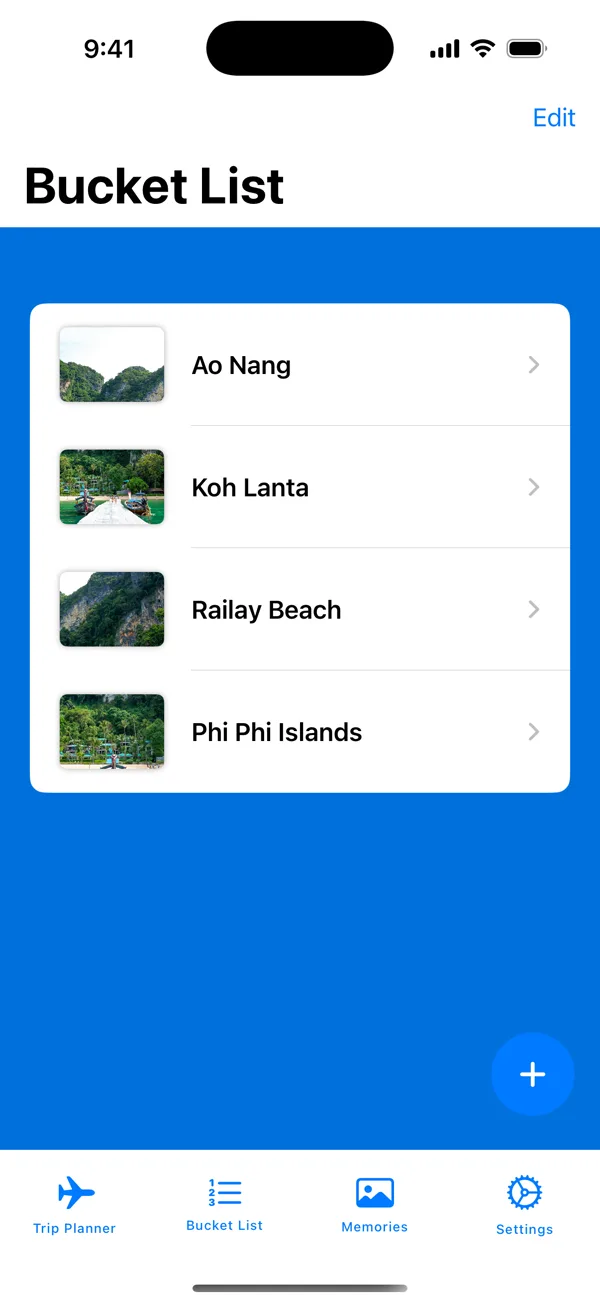
Keep a list of where you want to go next.
- Discover new destinations or add your own
- Save them to your bucket list and plan from there
Make it yours
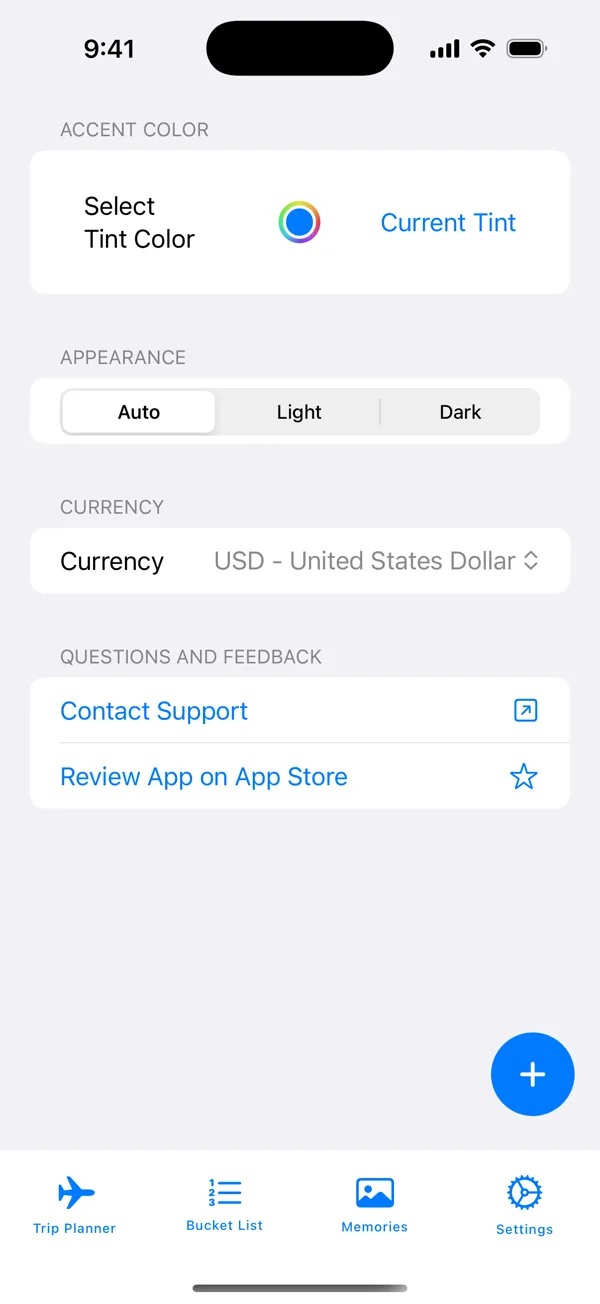
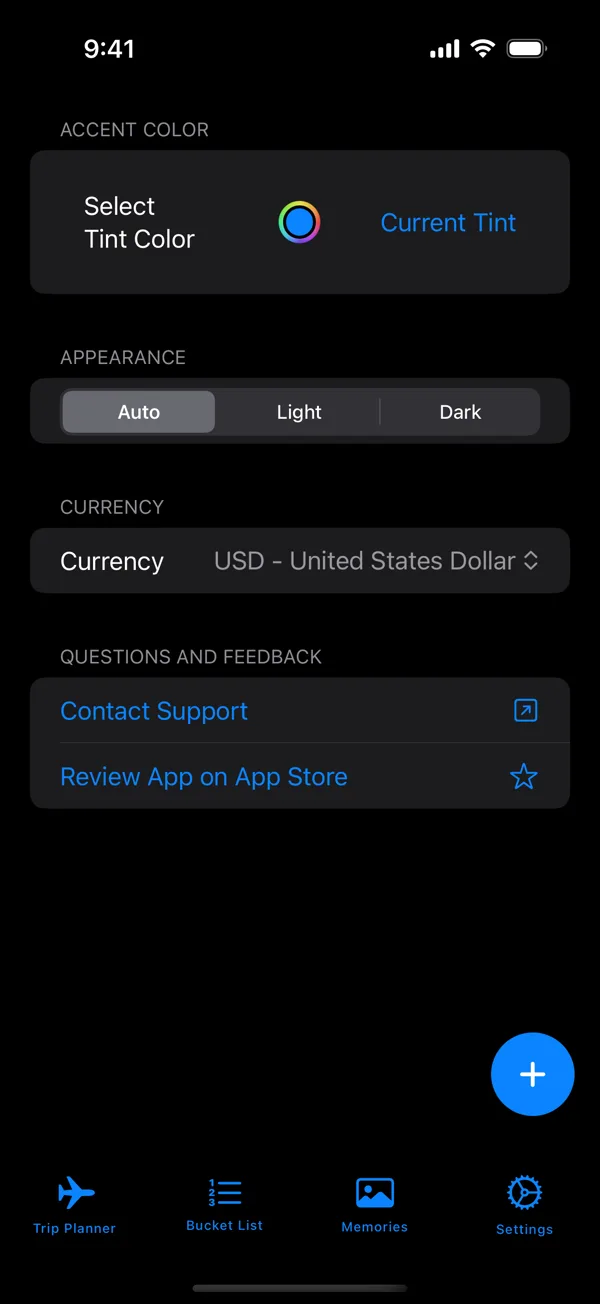
Your colors, your currency
Light or dark
Or let it follow your phone.
Accent color
Pick the one you like.
Home currency
Budgets and spending in your money.
Hi, I'm Mike. Thanks for stopping by.
I built Easy Trip Planner because I thought it would be useful and it was fun to build. It's for anyone who just wants the details of a trip in one place, and somewhere to save the memories after.
When you send a message, I'm the one who reads it. If there's something you'd like the app to do, tell me.
What's the one thing you always forget to plan before a trip?
 Mike HaslamMade Easy Trip PlannerTell me
Good to know
Do I need to make an account?
No. There is no account and no login. Open the app and start planning.
Is $4.99 really the whole price?
Yes. You pay once on the App Store. There's no subscription and nothing to buy inside the app.
Are there ads or tracking?
No. The app has no ads and no tracking code.
Where do my trips and photos go?
They stay on your iPhone. The app has no outside database to send them to.
Does it work with no signal?
Yes. Your plans open with no connection. The one thing that needs a connection is searching Unsplash for trip photos.
What happens when I get a new iPhone?
There's no cloud account, so your trips live on your phone. They come across when you set up the new iPhone from a backup of your old one.
Can I plan a trip with someone else?
Not right now. Trips stay on one phone. You can send a memory to family and friends by email or message, and if shared planning matters to you, tell me.
Which phones does it run on?
iPhones on iOS 17.6 or later. It's not on Android yet, but you can join the list and I'll email you the day it's out.
What if it's not for me?
You can request a refund through Apple.
$4.99 onceNo accountNo monthly fee
Download it and plan your next trip tonight. If it's not for you, you can request a refund through Apple.
Questions or ideas?
Ask anything about the app, or tell me what you'd like it to do next. Feature requests are welcome.